In 3D printing and engineering design workflows, file formats play a critical role in how accurately a design moves from concept to production. Each file format serves a specific purpose, and understanding when to use which format helps avoid data loss, dimensional errors, and manufacturing issues. In most industrial applications, CAD-based file formats are used during the design and engineering stage, while mesh-based formats are preferred for printing and visualization. Choosing the correct format ensures smooth communication between design, scanning, and manufacturing processes.
STL is the most widely used file format in 3D printing and represents the surface geometry of a model using triangular meshes. While STL files are ideal for printing, they do not store design history, dimensions, or parametric data, which means they are not suitable for design modifications. STEP and IGES formats, on the other hand, are commonly used in engineering and manufacturing because they preserve precise geometry and are compatible with most CAD software. These formats are preferred when parts need to be edited, analyzed, or prepared for CNC machining and high-precision manufacturing.
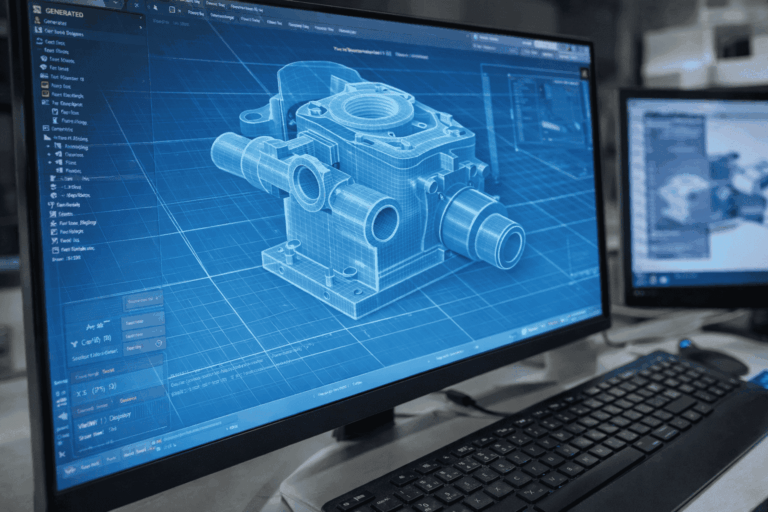
For design workflows within specific CAD platforms, native file formats such as SLDPRT, F3D, and similar proprietary files retain complete design intelligence, including features, sketches, and constraints. These formats are ideal for collaboration during the design phase but often need to be converted into neutral formats like STEP or STL when shared across different systems. OBJ and 3MF formats are also used in certain 3D printing applications, with 3MF offering better support for color, material, and print settings compared to traditional STL files.
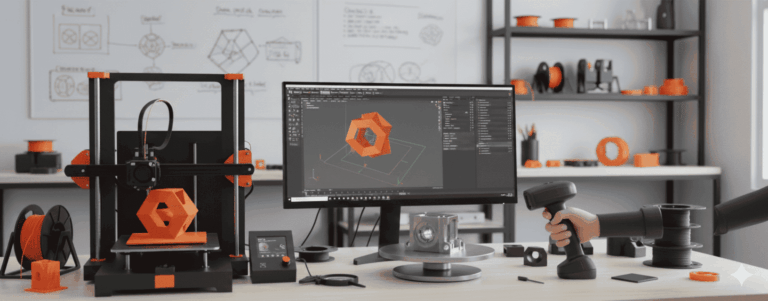
In reverse engineering and 3D scanning workflows, raw scan data is typically generated as point clouds or mesh files, which are then converted into usable CAD formats for manufacturing. The accuracy of this conversion process determines whether the final output can be reliably used for production. Clean, well-structured CAD files ensure better control over tolerances, surface quality, and dimensional consistency, which are essential in engineering applications.
At ScanPrint3D, we work with a wide range of input and output file formats to ensure compatibility across design, scanning, and printing stages. Our focus is always on delivering files that are not only accurate but also practical for real-world manufacturing and production use. By selecting the right file format at each stage of the workflow, engineering teams can reduce errors, improve efficiency, and achieve reliable results from their 3D projects.